Ask Claude, ChatGPT or Gemini about your sensor data
The Agrinovo cloud includes an MCP server. Connect your own AI assistant to it and the assistant reads live data from your sensors and records, then answers in your language with your numbers.

What you can ask
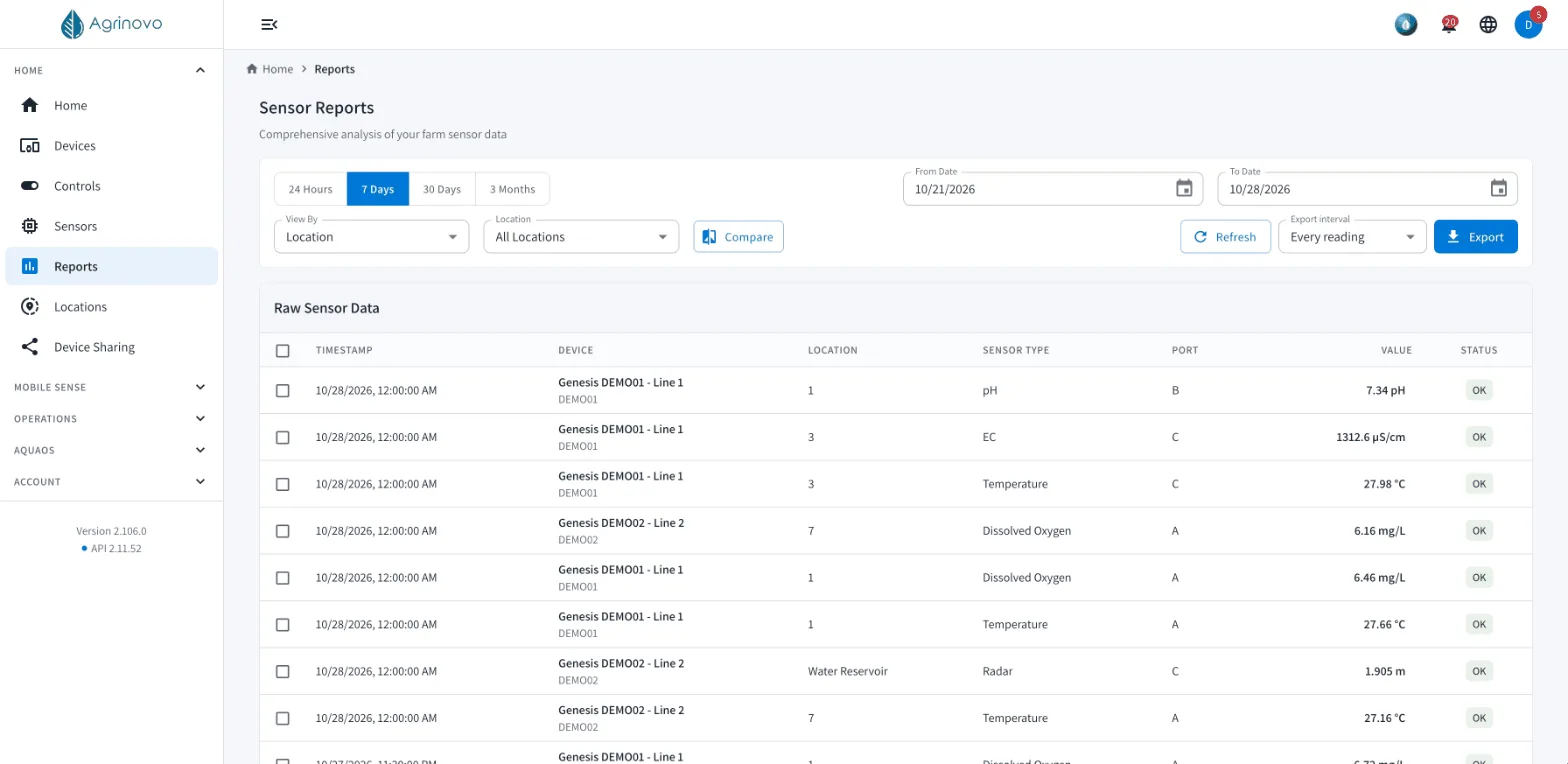
The assistant reads everything you could see yourself in the app: readings, alerts, devices, weather and field records. Questions that work well on an experiment or a trial plot:
- Compare dissolved oxygen in tank 1 and tank 3 over the last two weeks and tell me when they diverged.
- Which sensors reported gaps longer than an hour this month?
- Summarise soil tension at 30 cm in the deficit plots before and after each irrigation.
- Did pH drift between the last two calibrations?
For full-resolution data in a statistics package, use the cloud API or the export. The assistant is for questions, checks and summaries along the way.
Connect an assistant
- In the web app, open Connect your AI from your profile menu.
- Click Connect an assistant, pick your assistant and copy the server address. For Agrinovo accounts it is
https://api.agrinovo.io/mcp/agrinovo. - In the assistant, add a custom connector with that address. The setup screen shows the steps for Claude, ChatGPT, Gemini, GitHub Copilot and Claude Code.
- The assistant opens a sign-in page. Sign in, pick the site, choose what the assistant may do and click Allow.
Custom connectors may need a paid plan of the assistant. AI connections are switched on per account, so if Connect your AI says they are not on yet, contact us.
What the assistant may change
By default the assistant never changes anything by itself. When it suggests a change, such as a new alert range, you get a notification and approve or decline it in the app. You can allow it to apply changes automatically; deleting records and controlling devices always wait for your approval.
It never does more than you could do yourself on screen, and it cannot see other accounts.
Related
- Cloud API
Tokens, endpoints and a Python example for your own code.
- Sensors for research projects
Probes, data access and purchasing for labs and field experiments.
Want AI connections switched on for your account?
Tell us which assistant you use and we will enable it.