DO-130 con Arduino, ESP32, Raspberry Pi y Python
Cómo conectar DO-130 Sensor de oxígeno disuelto con autolimpieza a su propio microcontrolador o computadora y obtener lecturas por RS485 Modbus RTU. Las tablas son las de la ficha técnica, y los dos ejemplos de código se ejecutan contra la trama de ejemplo de la ficha técnica antes de publicar esta página.
Página del producto Ficha técnica (PDF) Ficha técnica (Markdown)
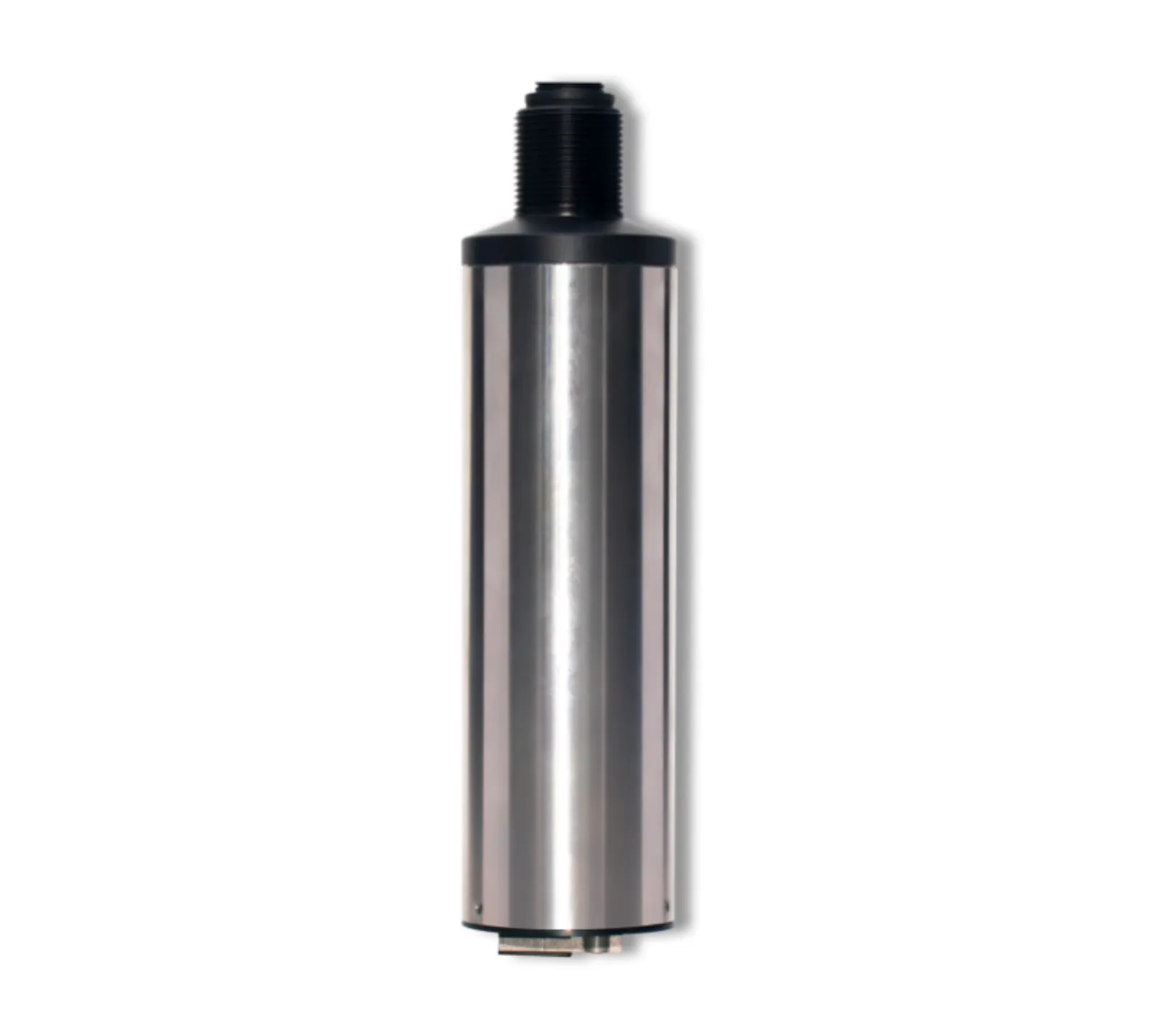
Conexión de DO-130
La sonda es un dispositivo RS485, por lo que necesita un transceptor entre ella y su placa. En una computadora o una Raspberry Pi es un adaptador USB a RS485. En un microcontrolador es un módulo tipo MAX485 en un puerto serial por hardware. Alimente la sonda con una fuente dentro del rango de tensión de la tabla y conecte su tierra a la tierra del transceptor.
| Wire Color | Function | Description |
|---|---|---|
| Red | V+ | Power Supply (12-24V DC+) |
| Black | GND | Power Ground (12-24V DC-) |
| White | RS485-A | Data+ |
| Green | RS485-B | Data- |
Note: If A/B labels don’t match your transceiver, swap connections.
Ejemplo en Python (Raspberry Pi, Linux, macOS, Windows)
El script solo necesita pyserial. Arma la solicitud Modbus por sí mismo, verifica el CRC de la respuesta e imprime una lectura cada cinco segundos. En Windows, pase el puerto COM como argumento.
#!/usr/bin/env python3
"""Read the Agrinovo DO-130 over RS485 Modbus RTU.

Works on a Raspberry Pi or any computer with a USB to RS485 adapter.
Install the serial library once:  pip install pyserial
Run:  python3 do_130.py /dev/ttyUSB0
"""
import struct
import sys
import time

import serial

PORT = sys.argv[1] if len(sys.argv) > 1 else "/dev/ttyUSB0"
ADDRESS = 0x01  # the probe's Modbus address


def crc16(frame: bytes) -> bytes:
    crc = 0xFFFF
    for byte in frame:
        crc ^= byte
        for _ in range(8):
            crc = (crc >> 1) ^ 0xA001 if crc & 1 else crc >> 1
    return struct.pack("<H", crc)


def read_registers(port, address, function, start, count):
    request = struct.pack(">BBHH", address, function, start, count)
    port.reset_input_buffer()
    port.write(request + crc16(request))
    reply = port.read(5 + 2 * count)
    if len(reply) >= 5 and reply[1] == function | 0x80:
        raise IOError(f"probe returned Modbus error {reply[2]}")
    if len(reply) != 5 + 2 * count or crc16(reply[:-2]) != reply[-2:]:
        raise IOError("no valid reply from the probe")
    return reply[3:-2]


def read_probe(port):
    data = read_registers(port, ADDRESS, 0x03, 0x0000, 4)
    return {
        "do_mg_l":       struct.unpack("<f", data[0:4])[0],
        "temperature_c": struct.unpack("<f", data[4:8])[0],
    }


if __name__ == "__main__":
    with serial.Serial(PORT, 9600, bytesize=8, parity="N", stopbits=1, timeout=1) as port:
        while True:
            print(read_probe(port))
            time.sleep(5)
Ejemplo para Arduino (ESP32, Mega y otras placas con un segundo puerto serial)
El sketch no usa ninguna biblioteca. En un ESP32 usa Serial2 en los pines definidos al inicio; en placas AVR usa Serial1. DE y RE del transceptor van a un mismo pin de salida.
// Agrinovo DO-130 over RS485 Modbus RTU.
// For a board with a spare hardware serial port (ESP32, Mega, Leonardo, Due)
// and a MAX485-type transceiver. Power the probe from its own supply, as the
// wiring table says, and join the grounds.

const uint8_t ADDRESS = 0x01;  // the probe's Modbus address
const int DE_PIN = 4;          // transceiver DE and RE tied together
const int RX_PIN = 16;         // ESP32 only
const int TX_PIN = 17;         // ESP32 only

#if defined(ESP32)
#define RS485 Serial2
#else
#define RS485 Serial1
#endif

uint16_t crc16(const uint8_t *frame, size_t length) {
  uint16_t crc = 0xFFFF;
  for (size_t i = 0; i < length; i++) {
    crc ^= frame[i];
    for (int bit = 0; bit < 8; bit++) {
      crc = (crc & 1) ? (crc >> 1) ^ 0xA001 : crc >> 1;
    }
  }
  return crc;
}

// Builds a float from its four bytes, most significant first.
float float32(uint8_t b3, uint8_t b2, uint8_t b1, uint8_t b0) {
  uint32_t bits = ((uint32_t)b3 << 24) | ((uint32_t)b2 << 16) | ((uint32_t)b1 << 8) | b0;
  float value;
  memcpy(&value, &bits, sizeof value);
  return value;
}

// Reads `count` registers into `data`. Returns false when the probe does not
// answer or the checksum is wrong.
bool readRegisters(uint8_t function, uint16_t start, uint16_t count, uint8_t *data) {
  uint8_t request[8] = {ADDRESS, function, (uint8_t)(start >> 8), (uint8_t)start,
                        (uint8_t)(count >> 8), (uint8_t)count, 0, 0};
  uint16_t crc = crc16(request, 6);
  request[6] = crc & 0xFF;
  request[7] = crc >> 8;

  while (RS485.available()) RS485.read();
  digitalWrite(DE_PIN, HIGH);
  RS485.write(request, 8);
  RS485.flush();
  digitalWrite(DE_PIN, LOW);

  uint8_t reply[5 + 2 * 16];
  size_t expected = 5 + 2 * count;
  if (RS485.readBytes(reply, expected) != expected) return false;
  uint16_t received = reply[expected - 2] | ((uint16_t)reply[expected - 1] << 8);
  if (reply[1] != function || crc16(reply, expected - 2) != received) return false;
  memcpy(data, reply + 3, 2 * count);
  return true;
}

void setup() {
  Serial.begin(115200);
  pinMode(DE_PIN, OUTPUT);
  digitalWrite(DE_PIN, LOW);
#if defined(ESP32)
  RS485.begin(9600, SERIAL_8N1, RX_PIN, TX_PIN);
#else
  RS485.begin(9600);
#endif
  RS485.setTimeout(1000);
}

void loop() {
  uint8_t data[2 * 4];
  if (!readRegisters(0x03, 0x0000, 4, data)) {
    Serial.println("no reply");
    delay(5000);
    return;
  }
  Serial.print("do_mg_l=");
  Serial.print(float32(data[3], data[2], data[1], data[0]), 2);
  Serial.print(" temperature_c=");
  Serial.print(float32(data[7], data[6], data[5], data[4]), 2);
  Serial.println();
  delay(5000);
}
Qué leen los ejemplos
Ambos ejemplos envían una sola solicitud, función 0x03, 4 registros desde 0x0000, y decodifican estos valores:
| Valor | Unidad | Registro | Codificación |
|---|---|---|---|
do_mg_l | mg/L | 0x0000 | Flotante de 32 bits, byte menos significativo primero |
temperature_c | °C | 0x0002 | Flotante de 32 bits, byte menos significativo primero |
Otras herramientas Modbus
La misma solicitud funciona desde cualquier maestro Modbus RTU: pymodbus, minimalmodbus, Node-RED, LabVIEW, un PLC o un registrador de datos de terceros con puerto Modbus. Use la configuración serial, el código de función y las direcciones de registro indicados arriba.
Registro de datos sin escribir código
El controlador Omni Genesis lee DO-130 y envía las lecturas a la nube de Agrinovo por la red celular, donde se pueden exportar o leer mediante la API de la nube.
Referencia de la ficha técnica
Specifications
| Parameter | Specification |
|---|---|
| DO Unit | mg/L |
| Temperature Unit | °C |
| Salinity Range | 1 ppt minimum |
| Pressure Unit | kPa |
| Supply Voltage | 12-24 VDC |
| Baud Rate | Fixed 9600 bps |
Communication Settings
| Parameter | Value |
|---|---|
| Protocol | Modbus-RTU |
| Baud Rate | 9600 bps |
| Data Bits | 8 (LSB first) |
| Parity | None |
| Stop Bits | 1 |
| Checksum | CRC16 |
Register Map
Data Encoding
DO and Temperature are float32 in little-endian byte order.
Measurement Registers (Function 0x03)
| Address | Registers | Description |
|---|---|---|
| 0x0000 | 4 | DO (float32) + Temp (float32) |
| 0x000A | 2 | Production Number |
| 0x0010 | 1 | Slave Address |
| 0x0062 | 1 | Salinity (ppt) |
| 0x0064 | 1 | Atmospheric Pressure (kPa × 100) |
| 0x0014 | 1 | Brush Interval (seconds) |
Configuration Registers (Function 0x10)
| Address | Description | Notes |
|---|---|---|
| 0x0010 | Set Slave Address | Range: 1 to 250 |
| 0x0011 | Field Calibration | Atmospheric pressure × 100 for calibration |
| 0x0013 | Manual Brush Trigger | Write 0x0000 to clean once |
| 0x0014 | Brush Interval | Seconds (e.g., 180 = 3 min) |
| 0x0021 | Reset Calibration | Write 0x0014 to restore factory |
| 0x0062 | Set Salinity | Value in ppt |
| 0x0064 | Set Atmospheric Pressure | kPa × 100 (range: 8000-13000) |
Reading Data
Read DO + Temperature
Read 4 registers from 0x0000:
Request:  01 03 00 00 00 04 44 09
Response: 01 03 08 [DO_4B] [Temp_4B] [CRC]
Decoding (Little-endian float32):
Example bytes 48 E1 0A 41:
| Received | Reordered | Result |
|---|---|---|
| 48 E1 0A 41 | 41 0A E1 48 | 8.68 mg/L |
Address Configuration
Read Address (Broadcast 0xFF)
FF 03 00 10 00 01 90 11
Set New Address
Write to 0x0010 using function 0x10:
[OLD] 10 00 10 00 01 02 [NEW] 00 [CRC]
Salinity Compensation
Read Salinity
01 03 00 62 00 01 25 D4
Response: 0x0A 0x00 = 10 ppt
Write Salinity (10 ppt)
01 10 00 62 00 01 02 0A 00 A8 B2
Calibration
Field Calibration
- Place sensor in saturated DO (air) until stable
- Write atmospheric pressure to 0x0011
Reset to Factory
Write to 0x0021 to restore factory calibration.
Self-Cleaning Brush
Manual Cleaning Trigger
Trigger immediate brush cleaning cycle by writing 0x0000 to register 0x0013 using function 0x06 (write single register):
Example (Address 0x03):
Request:  03 06 00 13 00 00 79 ED
Response: 03 06 00 13 00 00 79 ED (echo)
The brush cycle typically takes 3-5 seconds to complete.
Set Automatic Cleaning Interval
Write interval (in SECONDS) to register 0x0014 using function 0x06.
Set to 180 seconds (3 minutes) - Address 0x03:
Request:  03 06 00 14 00 B4 C8 5B
Response: 03 06 00 14 00 B4 C8 5B (echo)
Value 0x00B4 = 180 seconds = 3 minutes
Read Current Interval
Read 1 register from 0x0014 using function 0x03:
Example (Address 0x03):
Request:  03 03 00 14 00 01 C5 EC
Response: 03 03 02 00 B4 C1 F3
Response 0x00B4 (big-endian) = 180 seconds
Maintenance Recommendations
| Environment | Cleaning Interval | Seconds | Notes |
|---|---|---|---|
| Clean water | Every 2-4 hours | 7200-14400 | Low biofouling |
| Aquaculture | Every 1 hour | 3600 | Moderate biofouling |
| High density | Every 30 minutes | 1800 | High biofouling |
| Wastewater | Every 10-15 minutes | 600-900 | Very high biofouling |
| Manual override | As needed | Write 0 to 0x0013 | Immediate clean |
Calibration Interval and Membrane
- Recalibration interval depends on the water type and the amount of biofouling and algae. Under normal conditions, calibrate every 6-8 months; the self-cleaning brush handles routine cleaning between calibrations.
- The membrane cap is replaceable, typically after 2+ years of use.
Revision History
| Rev | Date | Changes |
|---|---|---|
| 1.0 | June 2026 | Initial release |
| 1.1 | August 2026 | Layout revision |
| 1.2 | October 2026 | New layout; corrected Modbus example CRC values |
Contact
Agrinovo, https://agrinovo.io/products, [email protected], +972 54 688 8148 (direct / WhatsApp). Specifications subject to change without notice.
¿Preguntas sobre el cableado o el protocolo?
Cuéntenos qué placa o registrador usa y qué necesita medir.